
Krea
krea.ai
Hands-on test pending — we publish numbers only after we have verified them.
- Best for
- enhancing
- Free tier
- Not tested yet
- The catch
- Not tested yet
- Our score
- Not rated yet
This page covers nine AI image tools that do one of three jobs: upscaling (turning a small image into a large one without mush), enhancing (fixing blur, noise and lighting in a photo you already have), and isolating (cutting a subject out of its background).
Most "best AI image tools" lists mix all three together and rank them as if they were interchangeable. They aren't. A tool that wins at upscaling a 480px product photo often produces plastic-looking faces on a portrait, and the reverse is just as common.
So every entry below is grouped by what it actually does well, and each one states its hard limit — the file-size cap, the free-tier resolution, or the watermark you can't remove without paying. The limit sits in the card rather than buried in a review, because the limit is usually the reason you'd pick one tool over another.
Anything we have not verified ourselves is marked as unverified; numbers marked "site-stated" come from the tool's own pages and haven't been hands-on tested. Last checked 31 October 2026.
Filters hide tools we haven't verified yet.
krea.ai
Hands-on test pending — we publish numbers only after we have verified them.
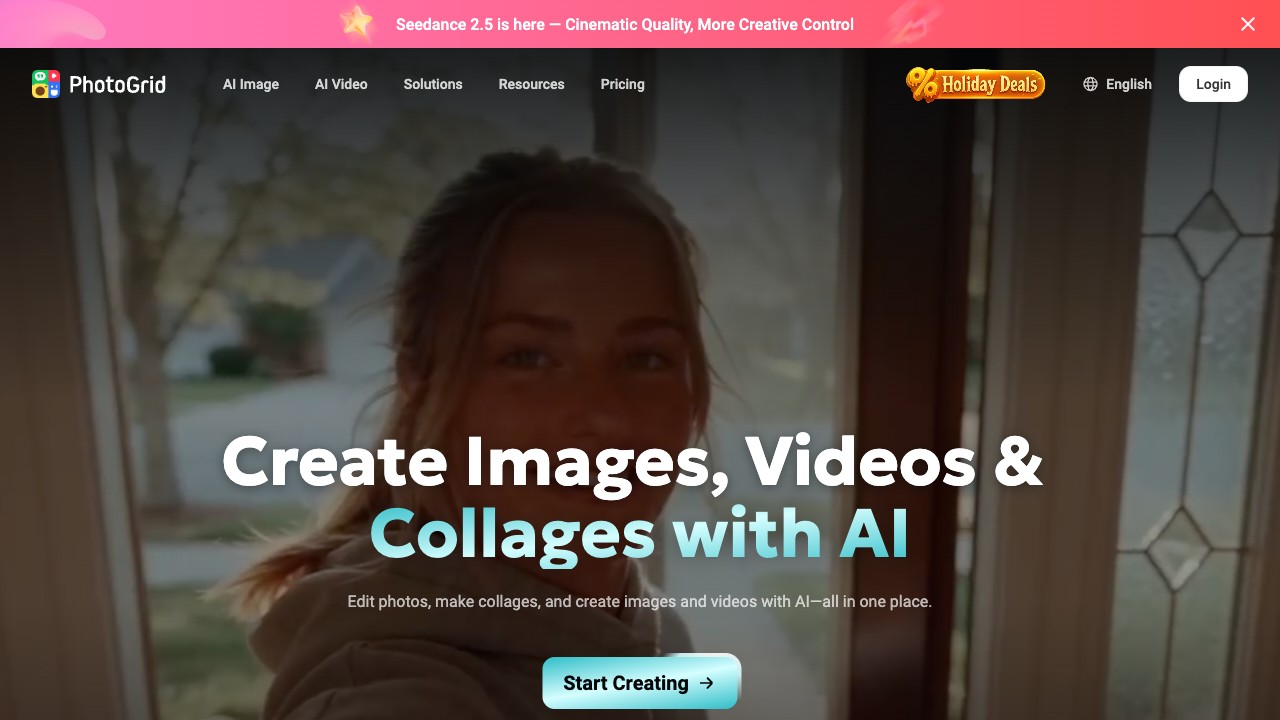
photogrid.app
Hands-on test pending — we publish numbers only after we have verified them.
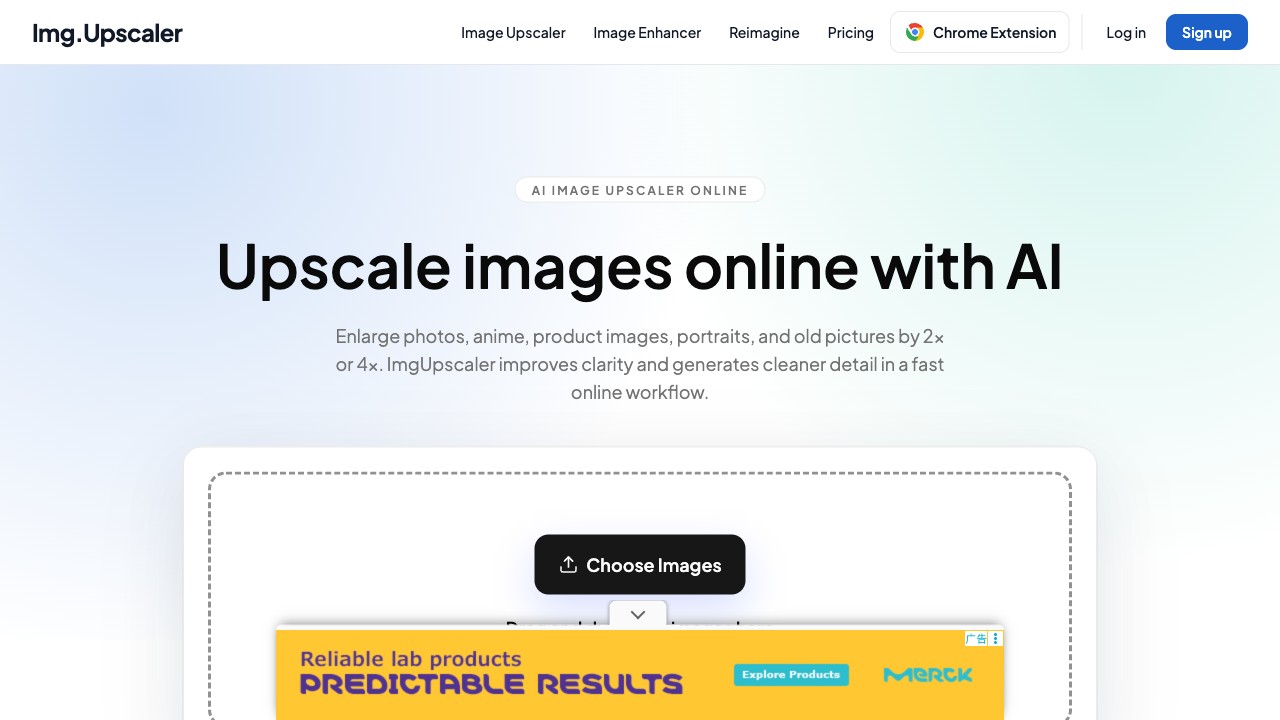
imgupscaler.com
Upscales photos and anime art 2x or 4x in the browser; 50 free credits a month, one image at a time.
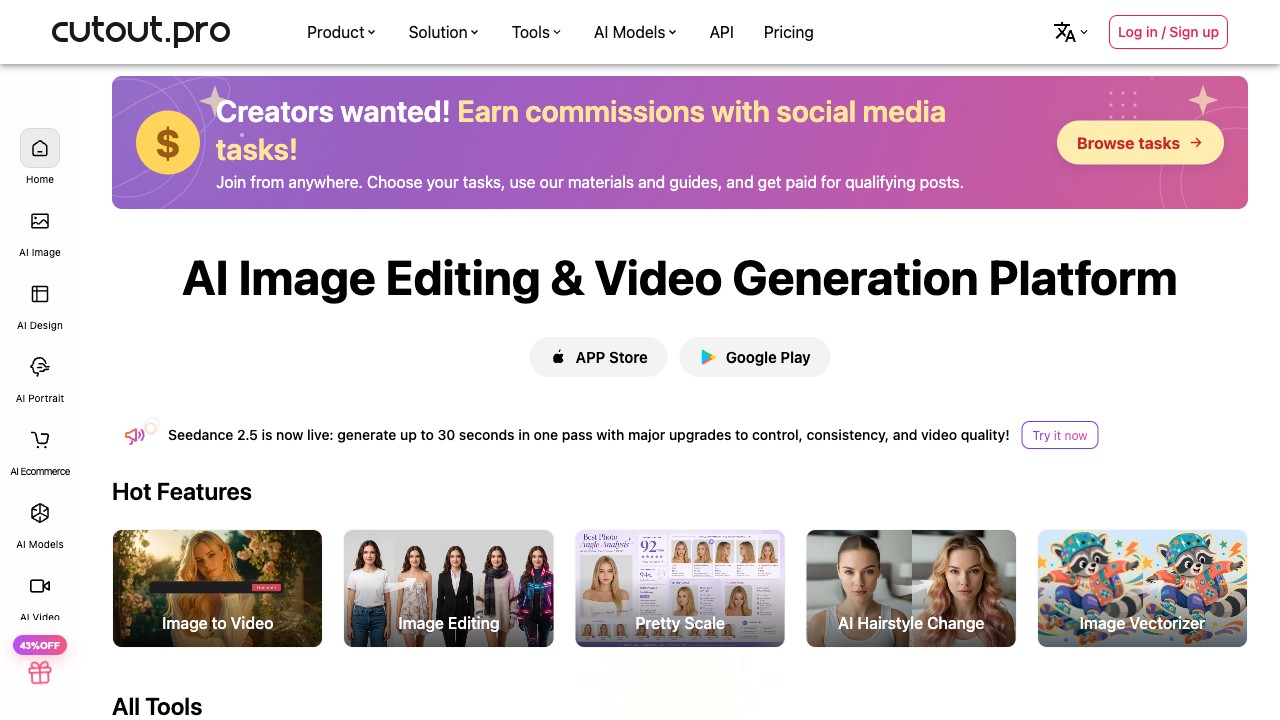
cutout.pro
One-click background remover first; the enhancer, upscaler and retouch tools are side features around that core.
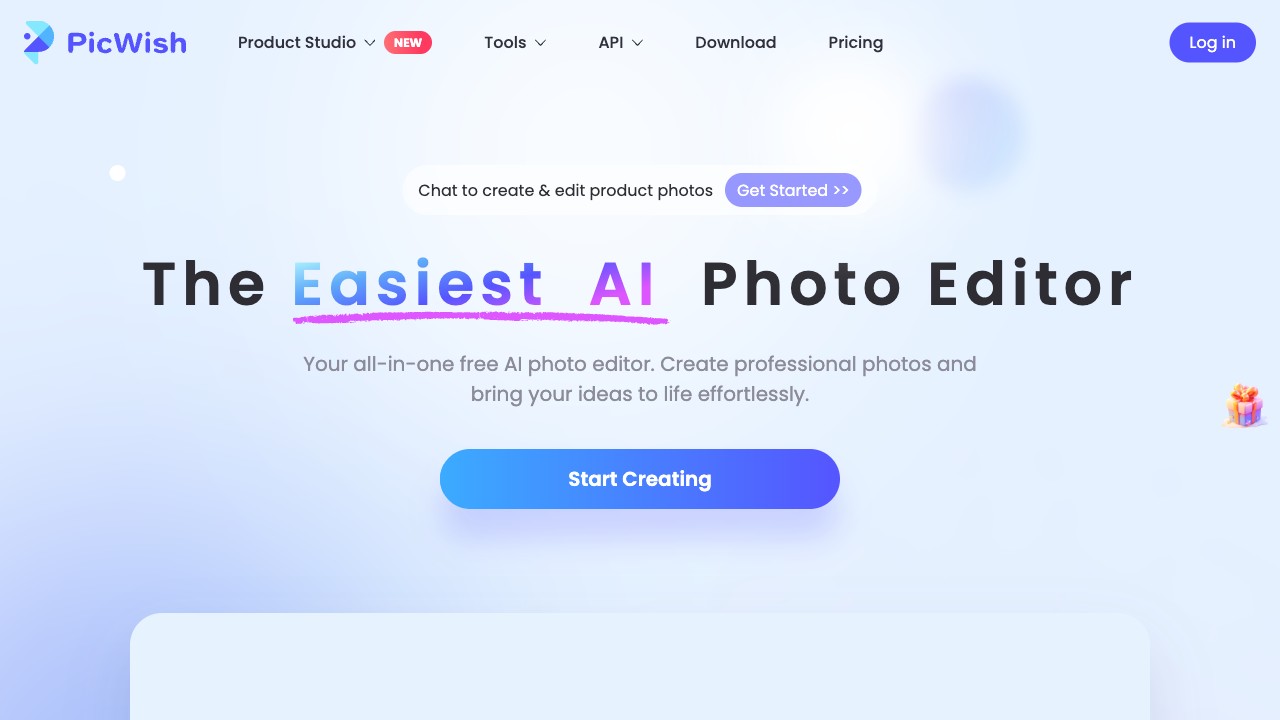
picwish.com
Hands-on test pending — we publish numbers only after we have verified them.
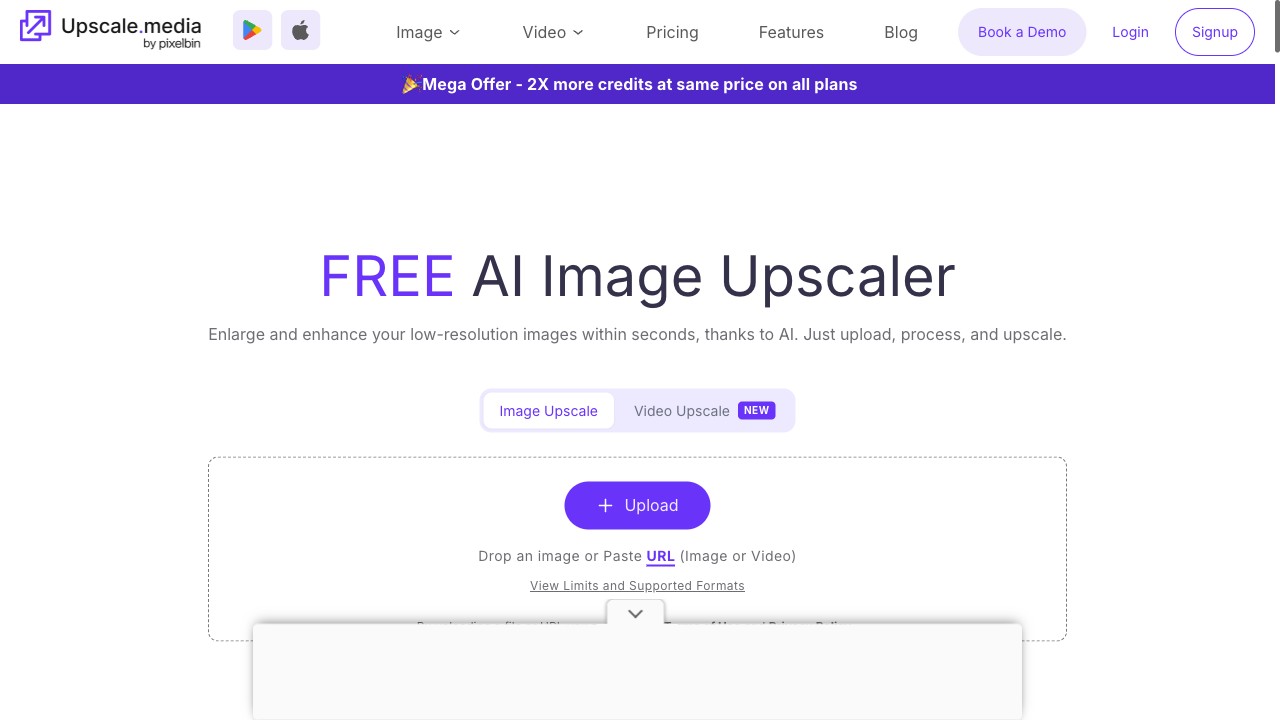
upscale.media
Free 2x upscaling in the browser with no account; 4x and 8x sit behind a login — hands-on verified.
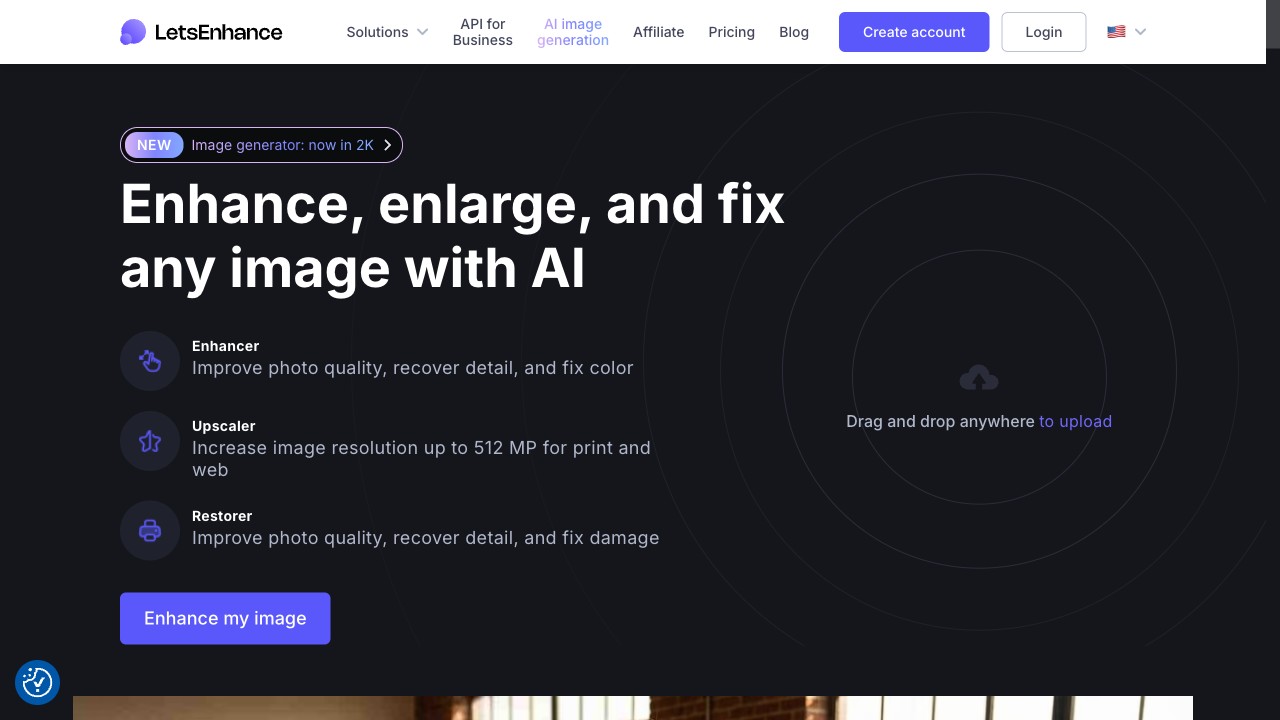
letsenhance.io
Hands-on test pending — we publish numbers only after we have verified them.
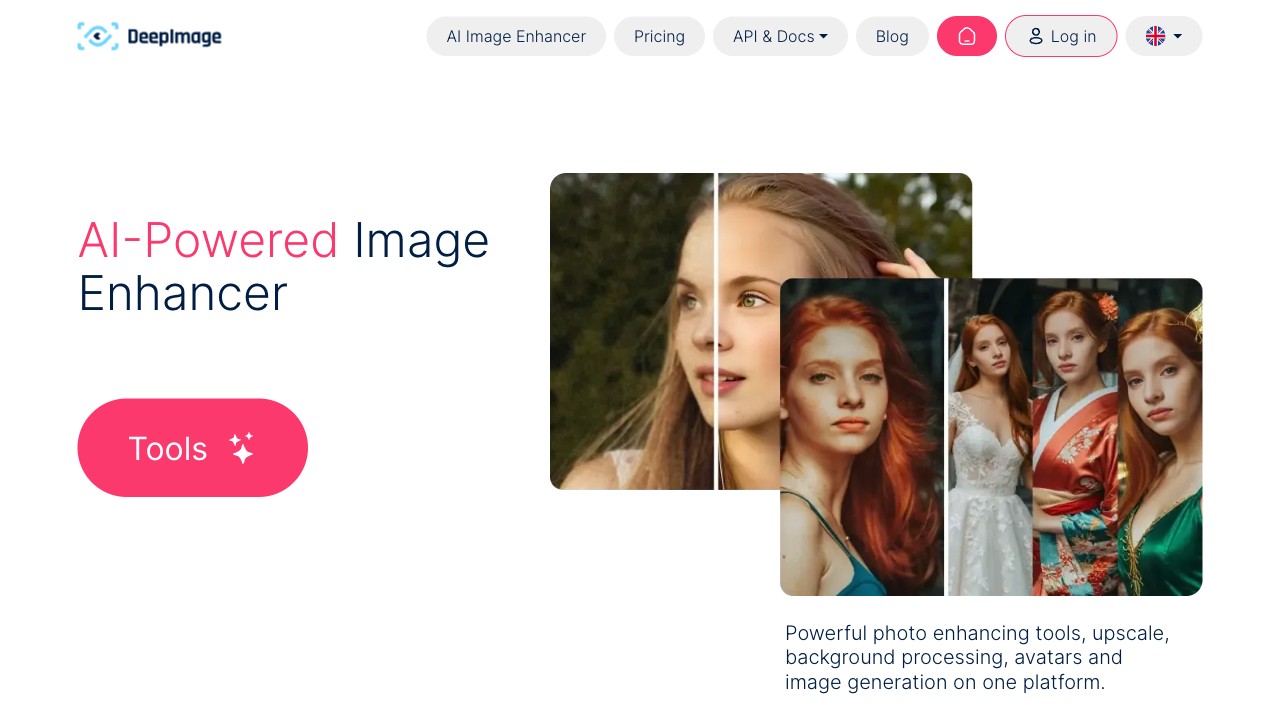
deep-image.ai
Hands-on test pending — we publish numbers only after we have verified them.
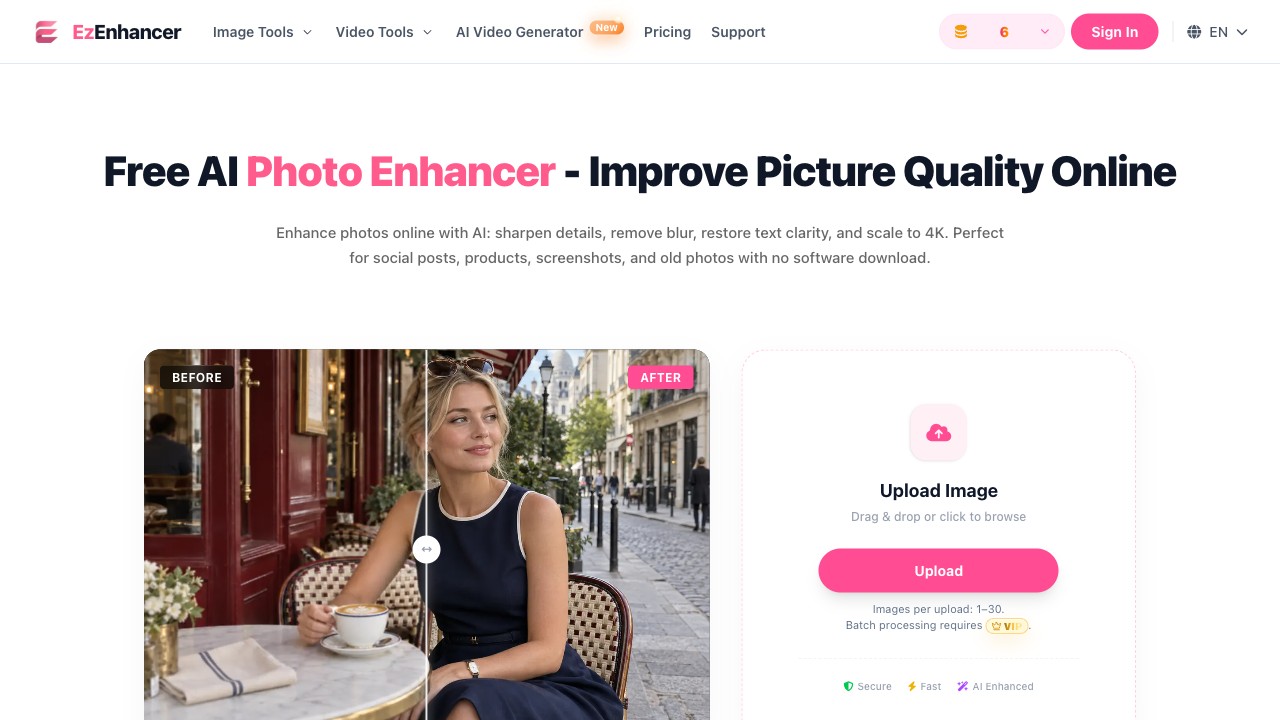
ezenhancer.ai
Browser photo enhancer for blur, noise and lighting; 10 free credits a day with no signup — hands-on verified.
Most have a free tier, but it usually caps resolution or adds a watermark. Each card says which one applies, so you can tell before clicking through whether it does what you need without paying.
Upscaling adds pixels — small image to large. Enhancing fixes what's already there: blur, noise, colour. Some tools do both, but rarely equally well, and a few on this page are genuinely good at one and mediocre at the other.
It varies, and several policies are vague about retention. If you're uploading client photos or anything with personal data, read the privacy page first. We note the ones that state a deletion window.