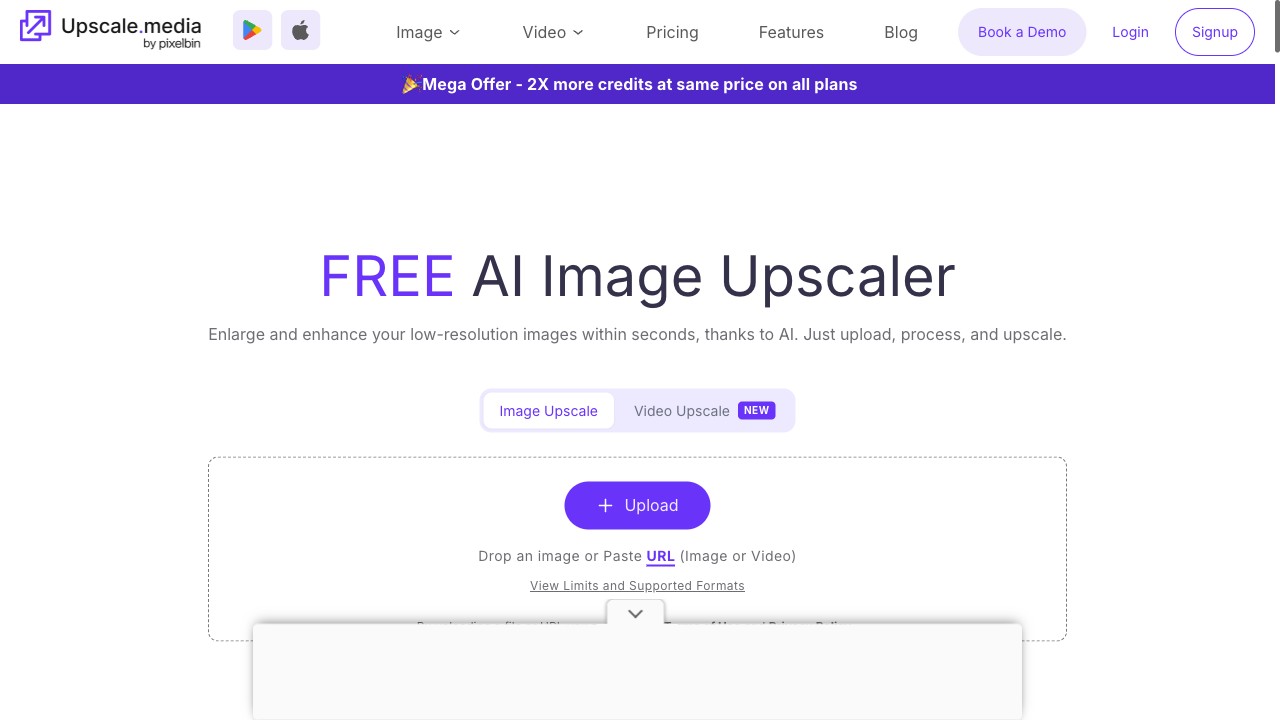
Upscale.media
Free 2× in seconds, no account — tested
Most directories copy a tool's marketing page and call it a review. We do it the slow way: upload a real photo, run the free tier, download the result and measure it — exact pixels, watermark or none, minutes on the clock. What we haven't tested yet is labelled site-stated, never passed off as our own finding.
Right now the hands-on coverage lives in AI image tools: enhancers, upscalers and background removers. More categories follow the same recipe.
Free 2× in seconds, no account — tested

Fixes light and grain, ~2 free photos a day — tested

Cutout first; free 750×750 preview — tested

2×/4× upscaler; 50 credits a month — site-stated
AI image and video platform — not tested yet

Collage maker and AI photo editor — not tested yet

Background removal and editing suite — not tested yet
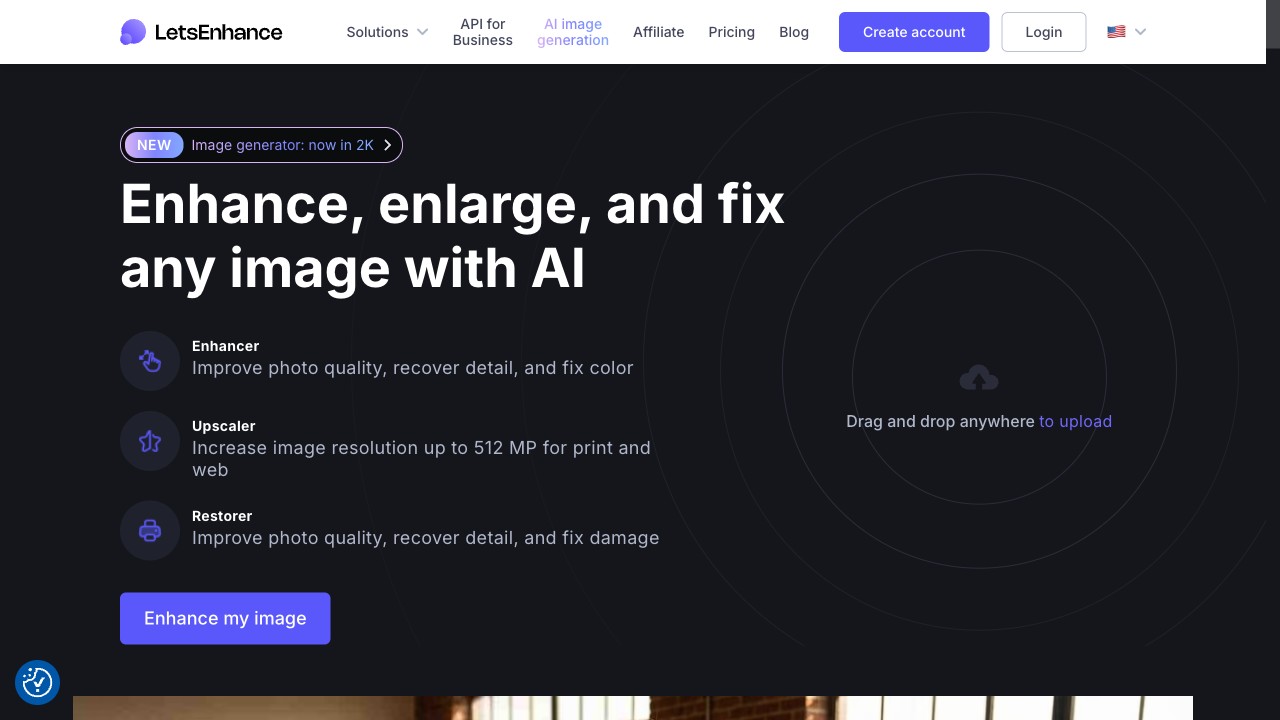
AI upscaler and enhancer — not tested yet

AI upscaler and enhancer — not tested yet
Guide
One photo through every free tier. Upscale.media's 2× came out clean; EzEnhancer's three-minute wait; Cutout.pro's 750px preview wall.
Review
1.48M visits a month, the weakest engagement in its tier, and our measured free tier: 4 credits a photo, no watermark, ~3 minutes.
Review
The free preview is real but 750×750; the 2048×2048 file sits behind an account and 2 credits. Where five trial credits actually go.
Review
Two buttons, ten seconds, 50 credits a month — the plainest upscaler in the set. Site-stated until our test run lands.
The same photo goes through each free tier, so the numbers are comparable instead of anecdotal.
Output pixels read from the downloaded file, watermarks checked corner by corner, timing from click to download.
Site-stated means the tool's own claim, unverified. Tested means we ran it. Nothing mixes the two.