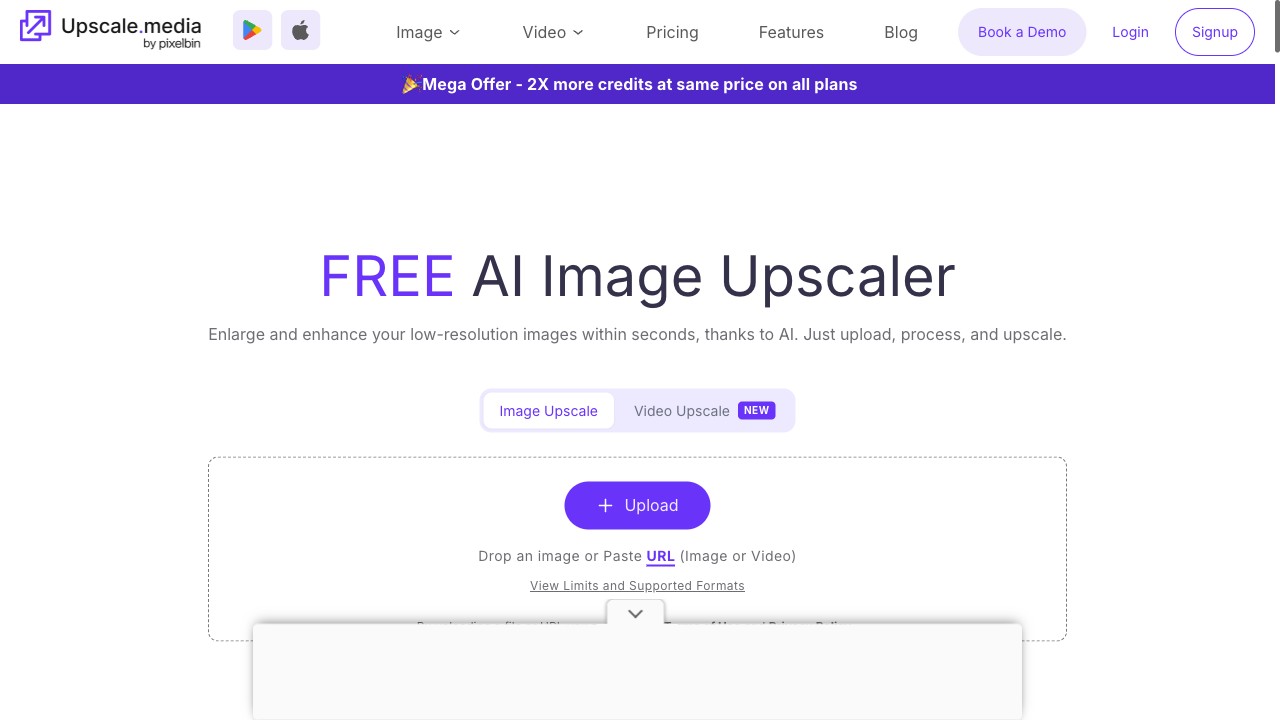
Upscale.media
Free 2× in seconds, no account — tested
The best free image quality enhancer right now is Upscale.media: a 2× upscale that needs no account, leaves no watermark, finishes in seconds, and allowed about ten images a day in our test. If your problem is a dark or noisy photo rather than a small one, the free pick is EzEnhancer instead — its daily credits cover lighting, noise and sharpness fixes, at the cost of a three-minute wait per photo.
Those two sentences come from a real test, not a features list. On 31 October 2026 we uploaded the same 1024×1024 photo to every tool on this page that lets you start without an account, ran its free enhancement or upscale, downloaded the result, and measured it: exact output pixels, watermark or none, waiting time, and what the free tier charged per image. Three tools went through that full loop — Upscale.media, EzEnhancer and Cutout.pro — and every number attached to their names below is ours.
The other six tools are on this page because people searching for a free image quality enhancer compare them, and their rows carry what their own sites state — labelled site-stated, not tested. Which one you want depends on what's wrong with your photo. It's small: Upscale.media doubles it for free, no strings. It's dark, grainy or soft: EzEnhancer's free daily credits fix that. You need the subject cut out cleanly: Cutout.pro does the isolation, and its free preview is watermark-free at 750×750. You have a steady monthly volume of images: ImgUpscaler's 50 monthly credits, site-stated, beat per-day handouts.
Free 2× in seconds, no account — tested
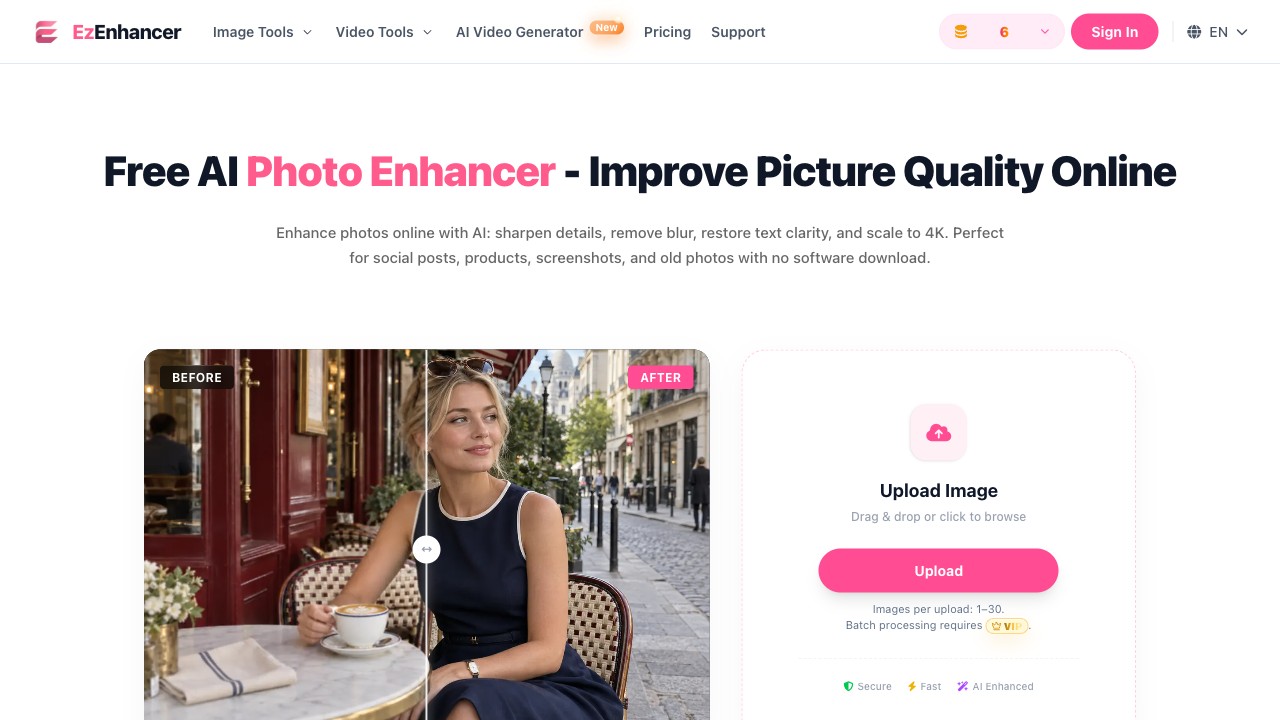
Fixes light and grain, ~2 free photos a day — tested
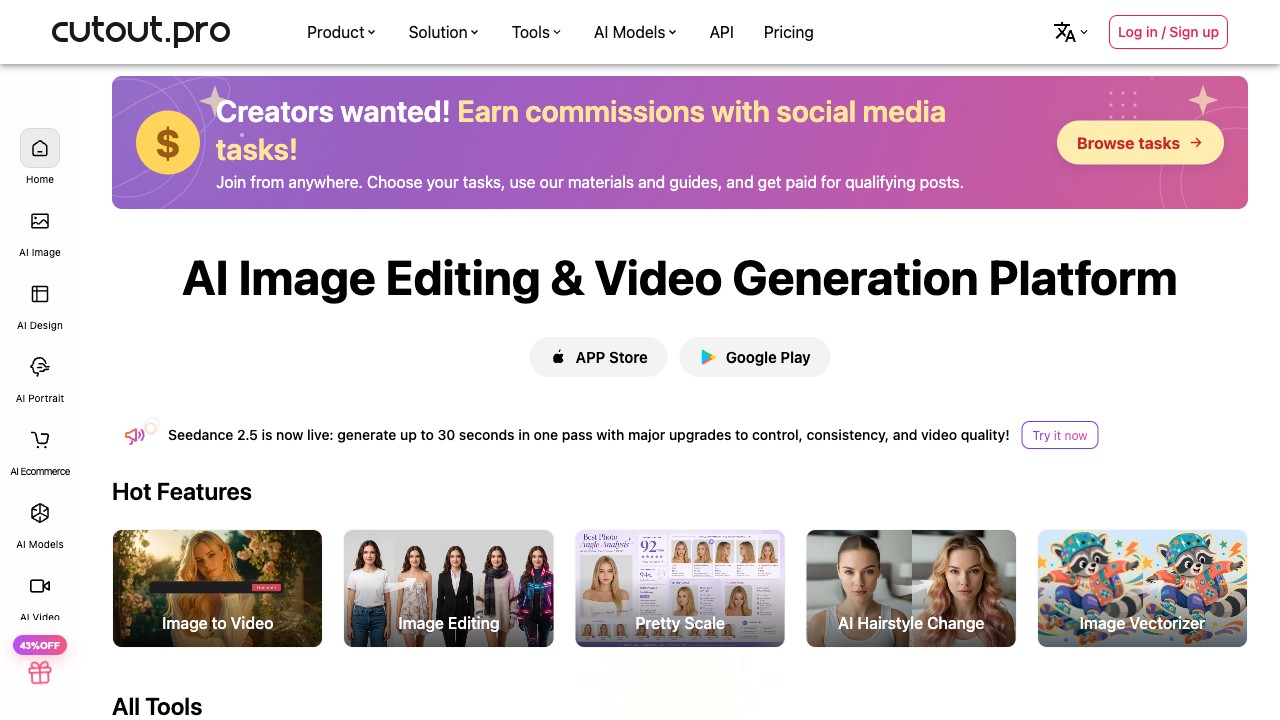
Cutout first; free 750×750 preview — tested
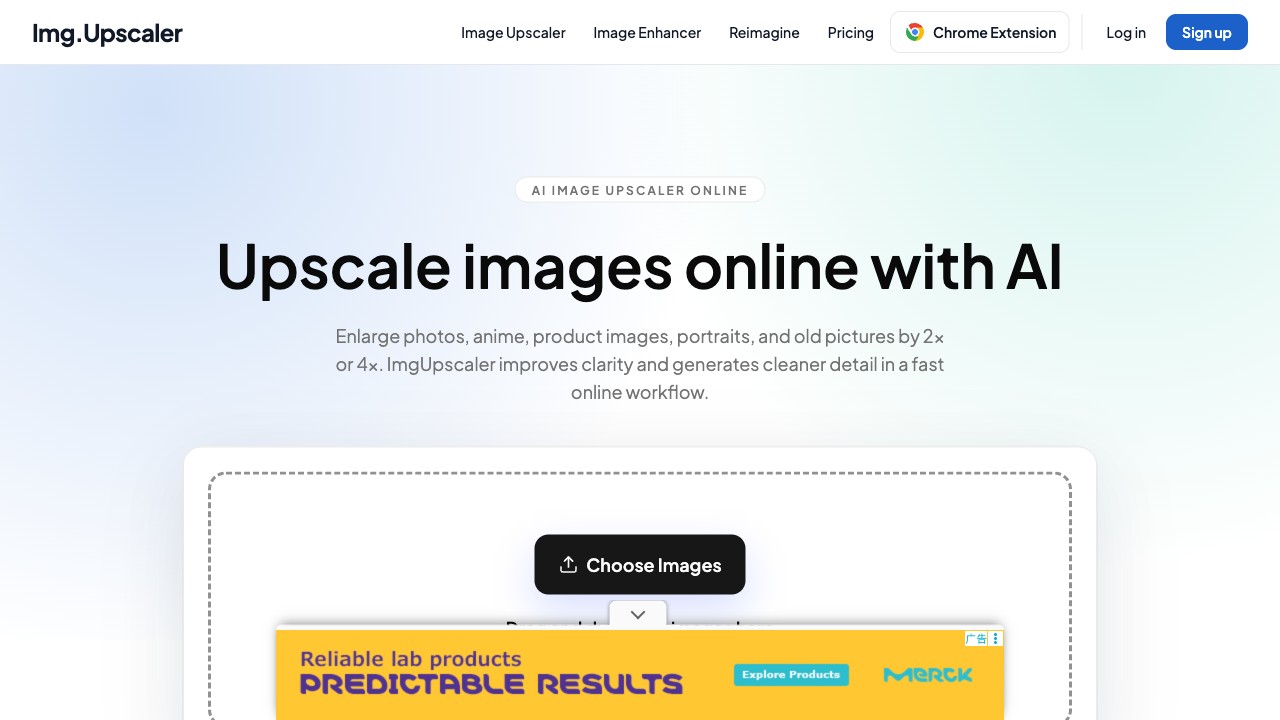
2×/4× upscaler; 50 credits a month — site-stated

AI image and video platform — not tested yet

Collage maker and AI photo editor — not tested yet
Background removal and editing suite — not tested yet
AI upscaler and enhancer — not tested yet
AI upscaler and enhancer — not tested yet
One photo, three tools, no account on any of them. This is the whole reason this page exists: the same input makes the marketing claims comparable.
| Tool | 1024×1024 in, what came out | Watermark | Wait | Free allowance |
|---|---|---|---|---|
| Upscale.media | 2048×2048 PNG (2×) | None | Seconds | ~10 images/day, no signup (API limit header) |
| EzEnhancer | 1224×1224 PNG (~1.2×, free model) | None | ~3 minutes | 10 credits/day, 4 per enhance ≈ 2 photos |
| Cutout.pro | 750×750 preview (HD 2048×2048 costs 2 credits + login) | None | Seconds | Previews free forever; full-res needs account |


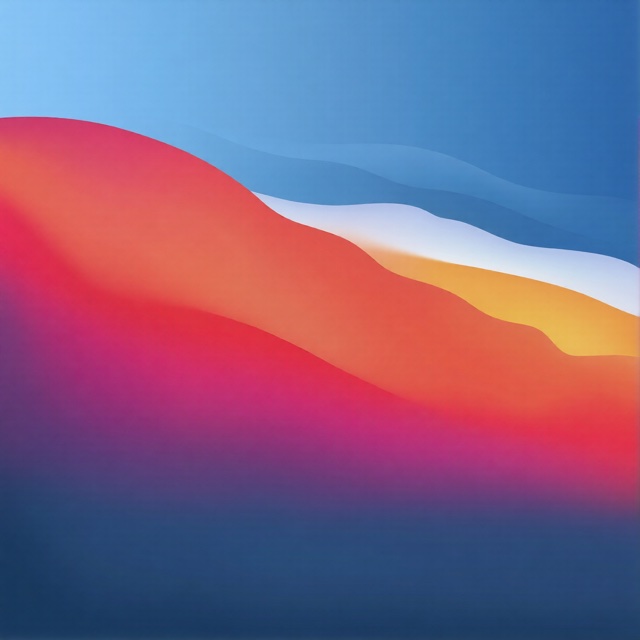

Actual downloads from that run, not marketing renders. Tested 31 October 2026 from a clean browser, no account on any tool. Files: PNG in all three cases; Cutout.pro also offers JPG.
Nine tools, the eight numbers that decide which one you need. Rows marked tested carry our measurements; the rest quote each tool's own pages.
| Tool | Free tier | Paid from | Watermark | Free output cap | Formats | Signup | One line |
|---|---|---|---|---|---|---|---|
| Upscale.media↗ | 2× upscale, ~10/day — tested | $49.99/yr (3000 credits) | None — tested | 2048×2048 on 2×; 4×/8× need login | JPG, PNG, WEBP (16MB in) | No, for 2× | The free 2× everyone's photo can use |
| EzEnhancer↗ | 10 credits/day ≈ 2 photos — tested | $8/mo | None — tested | ~1.2× input size on free model | PNG, JPG, WEBP | No | Fixes lighting and noise, slowly |
| Cutout.pro↗ | 750×750 previews, unlimited — tested | $5/mo (80 credits) | None on preview — tested | 750×750 preview; 2048×2048 costs 2 credits | PNG, JPG | Preview no, HD yes | Background remover first, enhancer on the side |
| ImgUpscaler↗ | 50 credits/mo — site-stated | $9.90/mo | Not tested yet | Not tested yet | JPG, PNG, WebP, AVIF | Not tested yet | Plain 2×/4× buttons, monthly credits |
| Let's Enhance↗ | Not tested yet | Not tested yet | Not tested yet | Not tested yet | Not tested yet | Not tested yet | Meters usage by pixels, not credits |
| PicWish↗ | Not tested yet | Not tested yet | Not tested yet | Not tested yet | Not tested yet | Not tested yet | Wide toolbox, shallow in each lane |
| Krea↗ | Not tested yet | Not tested yet | Not tested yet | Not tested yet | Not tested yet | Not tested yet | AI image platform, enhancer is one module |
| PhotoGrid↗ | Not tested yet | Not tested yet | Not tested yet | Not tested yet | Not tested yet | Not tested yet | Mobile-first editor with an enhance button |
| Deep Image AI↗ | Not tested yet | Not tested yet | Not tested yet | Not tested yet | Not tested yet | Not tested yet | API-first, built for e-commerce volume |
Full loop, clean browser, zero accounts: upload, run, download, measure. What each card says happened is what happened.
What it solves: photos that are too small. It doubles pixels with AI super-resolution, and that doubling also sharpens how the photo reads. What we measured: 1024×1024 in, 2048×2048 PNG out in seconds, no watermark, no account, and the API's own limit header said ten images a day. The downside: anonymous users get the restricted pipeline — 2× only, the 4× and 8× buttons sit behind a login, and a long automated session can trip a bot check. Who it's for: anyone who wants a better, bigger photo right now without an account.
Try the free 2×
What it solves: lighting, noise and softness in photos that are already big enough. It rebalances exposure and cleans grain instead of adding pixels. What we measured: the whole flow ran without signup, the output was watermark-free, and each enhance cost 4 of the 10 daily credits — two photos a day. But the free model returned 1224×1224 from a 1024×1024 input, and each run took about three minutes, not the seconds its homepage suggests. Who it's for: fixing a bad indoor shot when the size is fine and waiting three minutes isn't a problem.
Fix a dark photo free
What it solves: isolation first — cutting a subject off its background — with enhancement as a side tool. What we measured: the enhancer worked instantly, and the free 750×750 preview downloaded with no watermark and no account, after dismissing a $9.9/mo subscription offer. The wall is exactly there: full 2048×2048 output demands an account plus 2 credits, and with 5 trial credits a new account gets two HD enhancements, total. Uploads auto-delete after 60 minutes. The downside: the free preview is smaller than most originals — fine for web thumbnails, useless for print. Who it's for: background removal, and judging its enhancement before paying.
Cut something outUpscale.media for 2× size, ~10 a day. EzEnhancer when the issue is light and grain, ~2 a day. Cutout.pro previews when you just need to see the result. All three verified watermark-free.
Cutout.pro at $5/mo for 80 credits covers ~40 enhancements; EzEnhancer at $8/mo buys the better model and batch. Site-stated prices — we haven't subscribed to either.
PixelBin (behind Upscale.media) sells 3000 credits a year at $49.99, seen during our test; Deep Image AI is API-first for pipelines. Both untested — site-stated.
Yes, within limits. AI reliably fixes noise, exposure and softness, and adds honest pixels in a 2× upscale — we measured all three working. It cannot recover detail that was never captured: a heavily blurred or tiny source photo comes back cleaner, not sharper in the way people hope.
Keep every step lossless. Start from your highest-quality original, enhance before enlarging, and download PNG — all three tools we tested returned lossless PNG on the free tier. Avoid running a JPG through several tools in a row; each save throws detail away that no enhancer puts back.
Yes, on all three tools we tested end to end: Upscale.media's 2× run, EzEnhancer's full enhance-and-download, and Cutout.pro's 750×750 preview all completed with zero signup. The account walls appear later — Upscale.media's 4× and Cutout.pro's HD download.
No, and any site claiming that is selling something. The honest ceiling we measured: Upscale.media at about ten images a day with no account, EzEnhancer at two full enhancements a day. Unlimited requires paying — which is fine when a subscription costs less than one stock photo.
Open upscale.media, drop your photo in, leave the scale at 2×, click upscale and download the PNG. No account, no watermark, seconds — that exact sequence is what we tested. For 4× or bigger you'll need an account somewhere; that's the industry, not the site being stingy.