ImgUpscaler Review
ImgUpscaler enlarges photos by 2x or 4x in the browser and cleans up low-resolution files. The free tier gives you 50 credits a month, one image at a time, with ads.
Free tier available · No card required
What it does
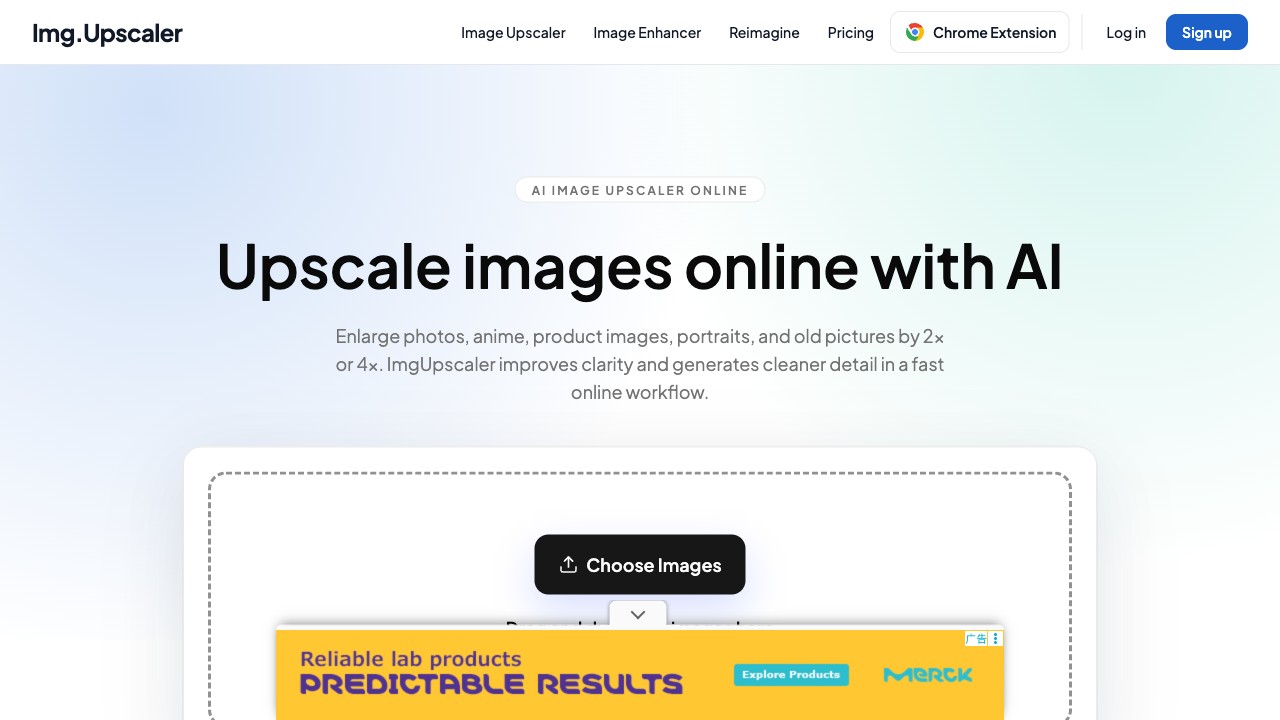
ImgUpscaler is a browser-based upscaler. You give it an image, it gives you back the same image at 2x or 4x the resolution. There is no slider, no sharpening control, and no crop tool — the two buttons are the entire interface. That narrowness is the point: it does one job and does it in about ten seconds.
The free tier
Free gets you 50 credits a month with no card on file, one image at a time, with ads. Premium is $9.90 a month for 500 credits and batch processing. Business is $19.90 a month with no credits limit. Accepted inputs are JPG, PNG, WebP and AVIF. Uploaded images and their results are deleted automatically within 24 hours, which is stated on the site rather than buried in a policy page.
The catch nobody mentions
ImgUpscaler sells its web tool and its apps as separate products, in both directions. A web subscription does not include the desktop or mobile apps, and an app purchase does not give you web access. If you arrived here through the Chrome extension or the Upscal app, check which licence you actually need before paying — buying the wrong one gets you nothing. Most reviews of this tool don't mention it.
How to use it
Upload a JPG, PNG or WebP, choose 2x or 4x, preview the result, download. That's it. If your problem is blur, noise or bad lighting rather than size, use the Image Enhancer or Reimagine tab instead — upscaling adds pixels, it doesn't fix a soft image.
What it doesn't do well
Four limits worth knowing before you pay. Fifty credits disappear fast if you process more than a couple of images a month. Batch processing sits behind the $9.90 tier. The apps cost extra on top of the web subscription. And 4x on a genuinely bad old scan adds detail it cannot actually recover — the result can look sharpened rather than sharper. (We haven't yet tested 4x on badly degraded old scans.)
If your problem is quality rather than size, see the free tools that actually improve image quality without upscaling.
Who it's for
One-off jobs: a product photo for a listing, a thumbnail, an avatar, a print at slightly larger than native size. If you're processing batches weekly, $9.90 a month costs less of your time than 50 free credits ever will.